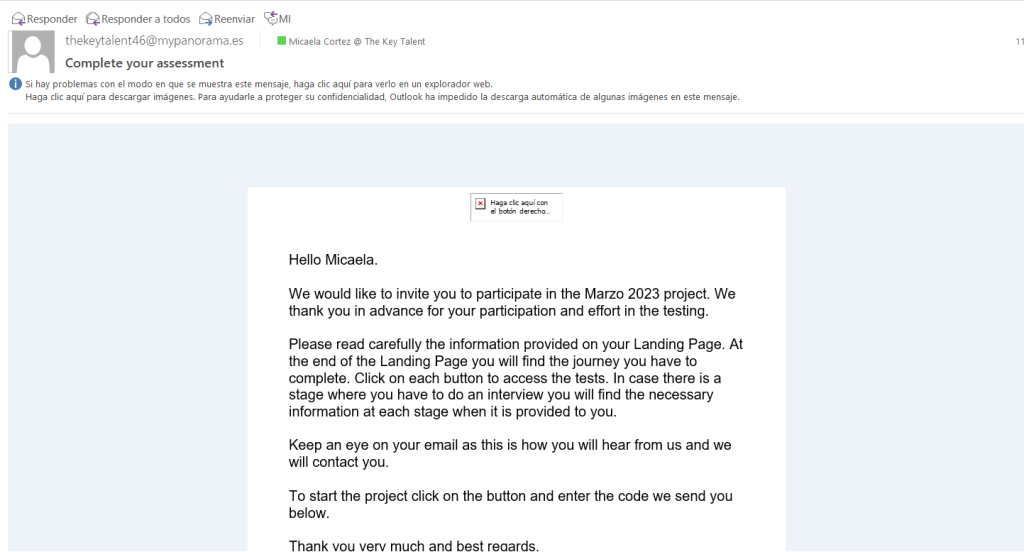
When you are invited to do a 360º Evaluation, you will receive an invitation email with the code to log in to the assessment.
Then you will be redirected to the panorama Landing Page and you will be able to start your own evaluation.
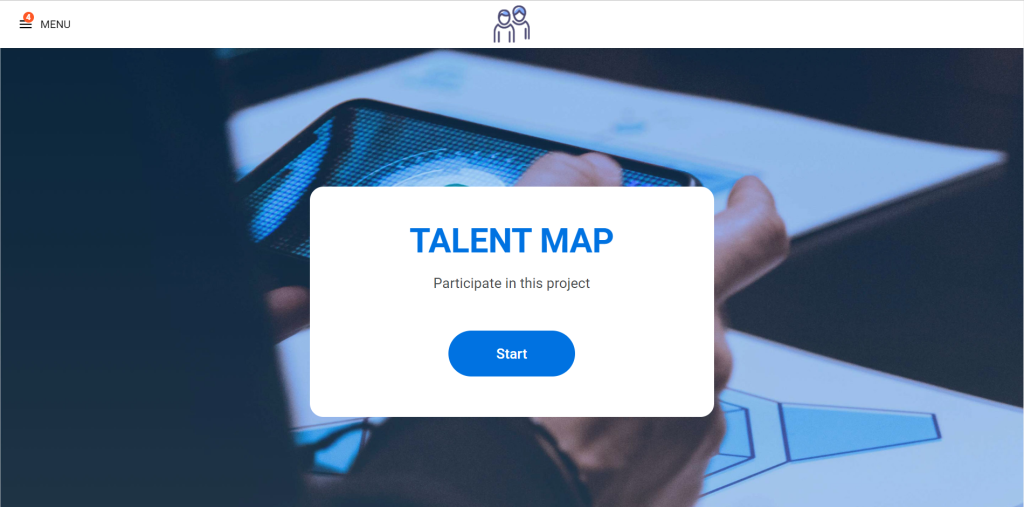
After clicking on “Start” you will see all the assessments that are assigned to you.
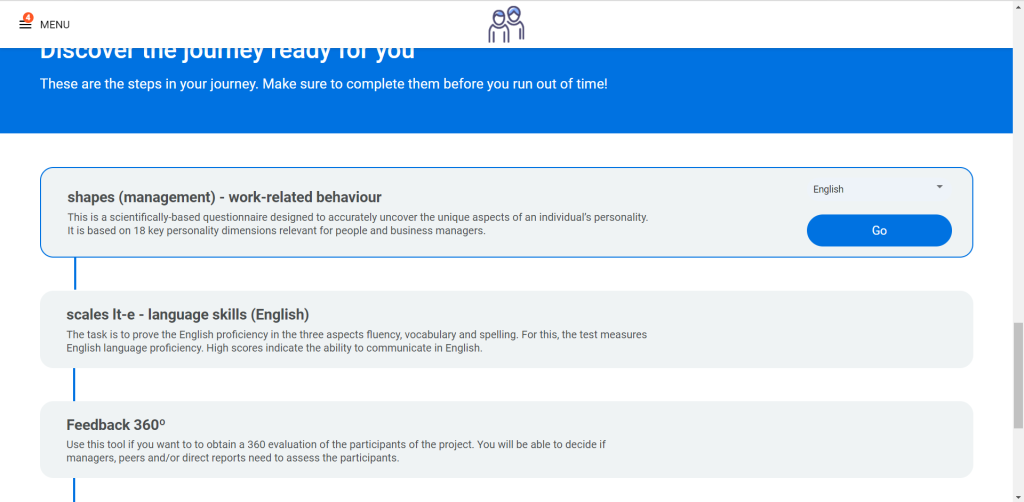
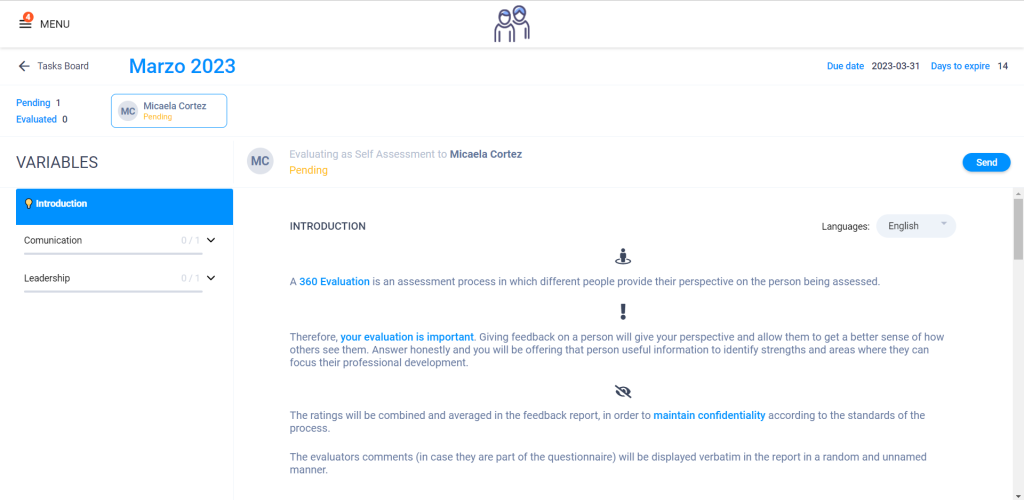
When you get to the feedback 360º you will see an introduction to the test that explain what the assessment is about.
Also in the left you will see the variables that are going to be evaluated.
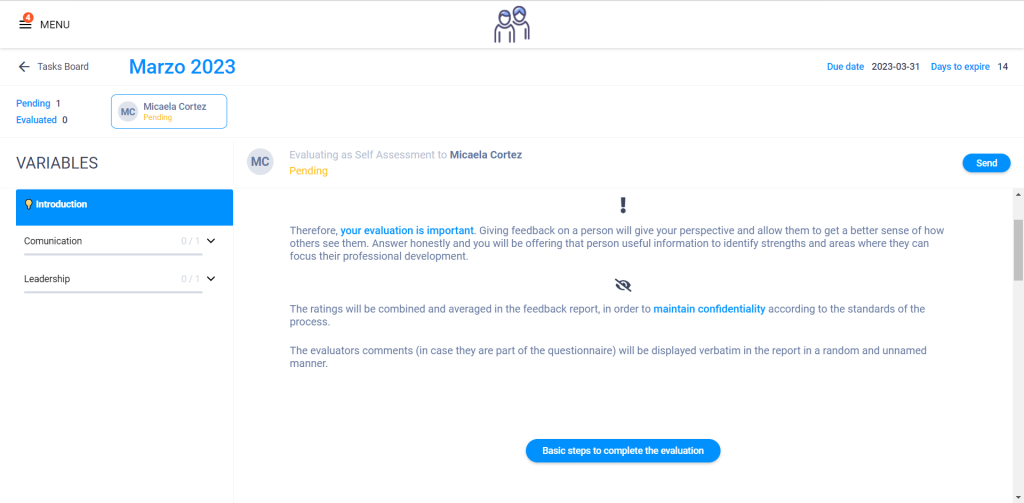
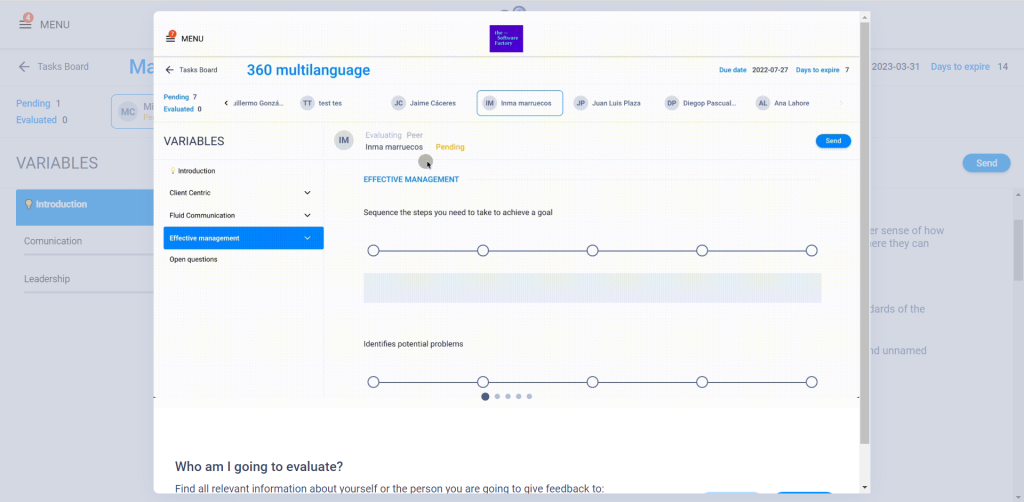
Then, if you need more advice, you can click on “basic steps to complete the evaluation“, and a video explanation will pop up.
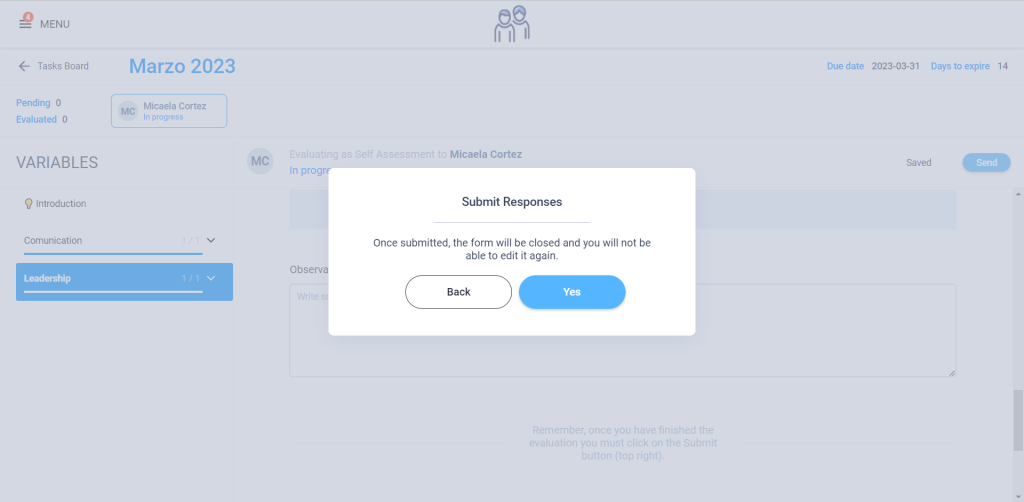
To finish with the evaluation you just have to submit your responses.
After all that, you can see your results by clicking on “Go to my report” in your landing page.

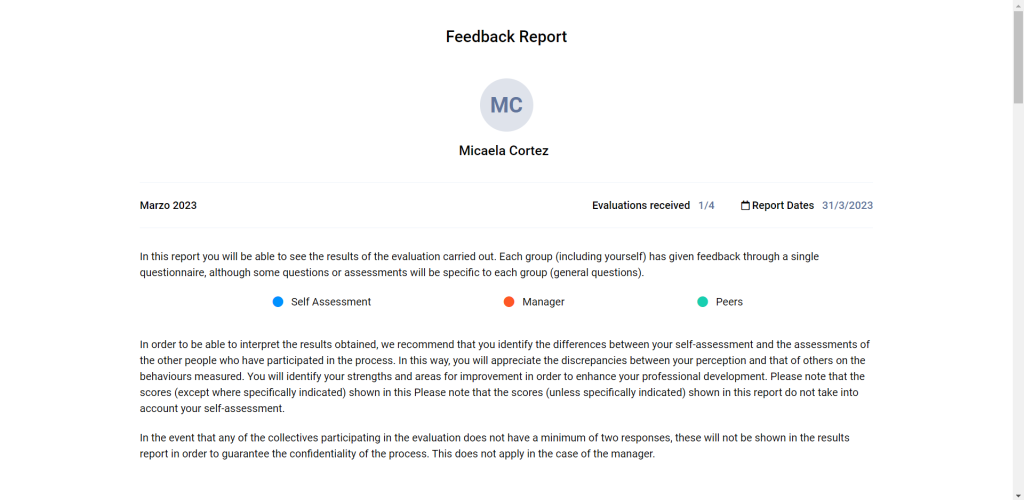
There you are going to see the feedback report, the quantity of evaluations received and the categories of the evaluators (self assessment, manager, peers & other evaluators). In case, there are less than two evaluators from each category, they will appear like “Others”.