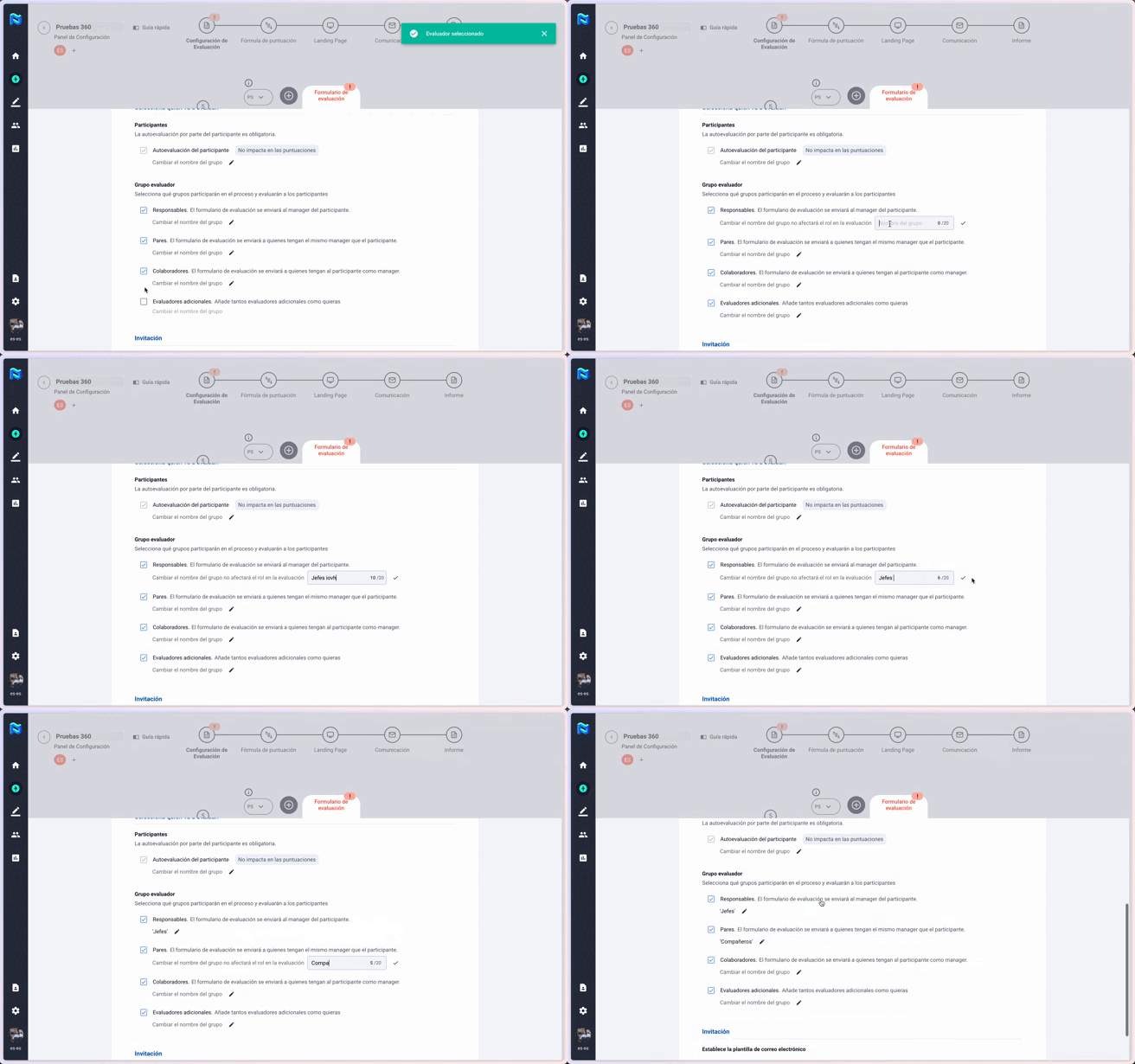
Changes in names of assessing groups
You can now change the names of the assessing groups directly from the 360° tool set-up in Panorama.
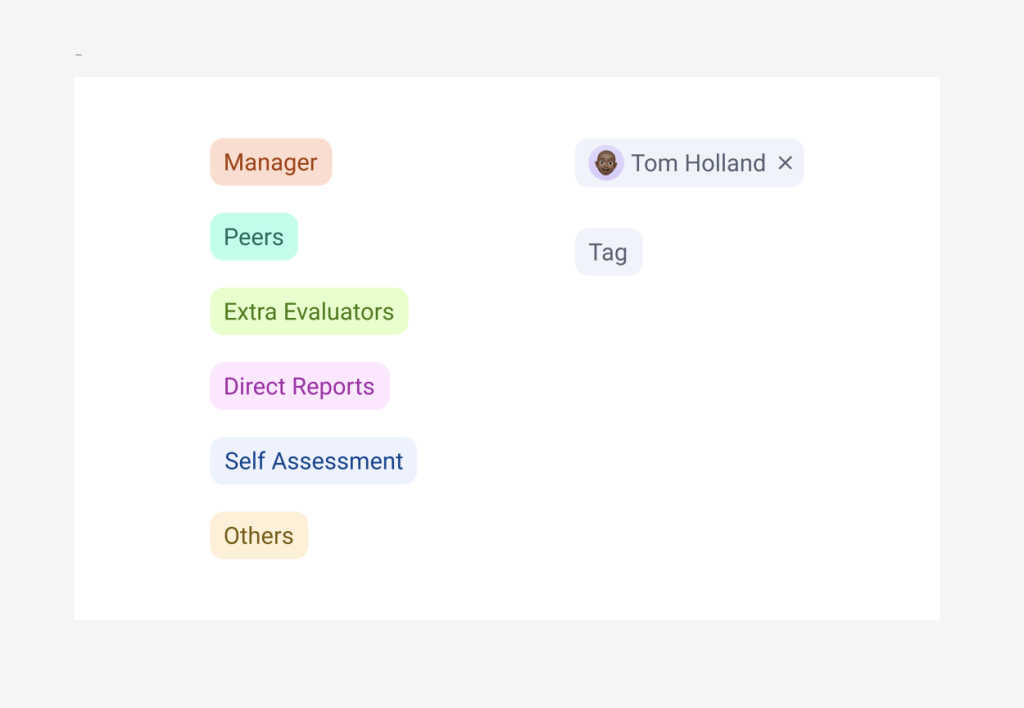
The groups will always keep the same colours and their new tag-based representation, so that they are always easily recognisable.
Selecting and editing levels
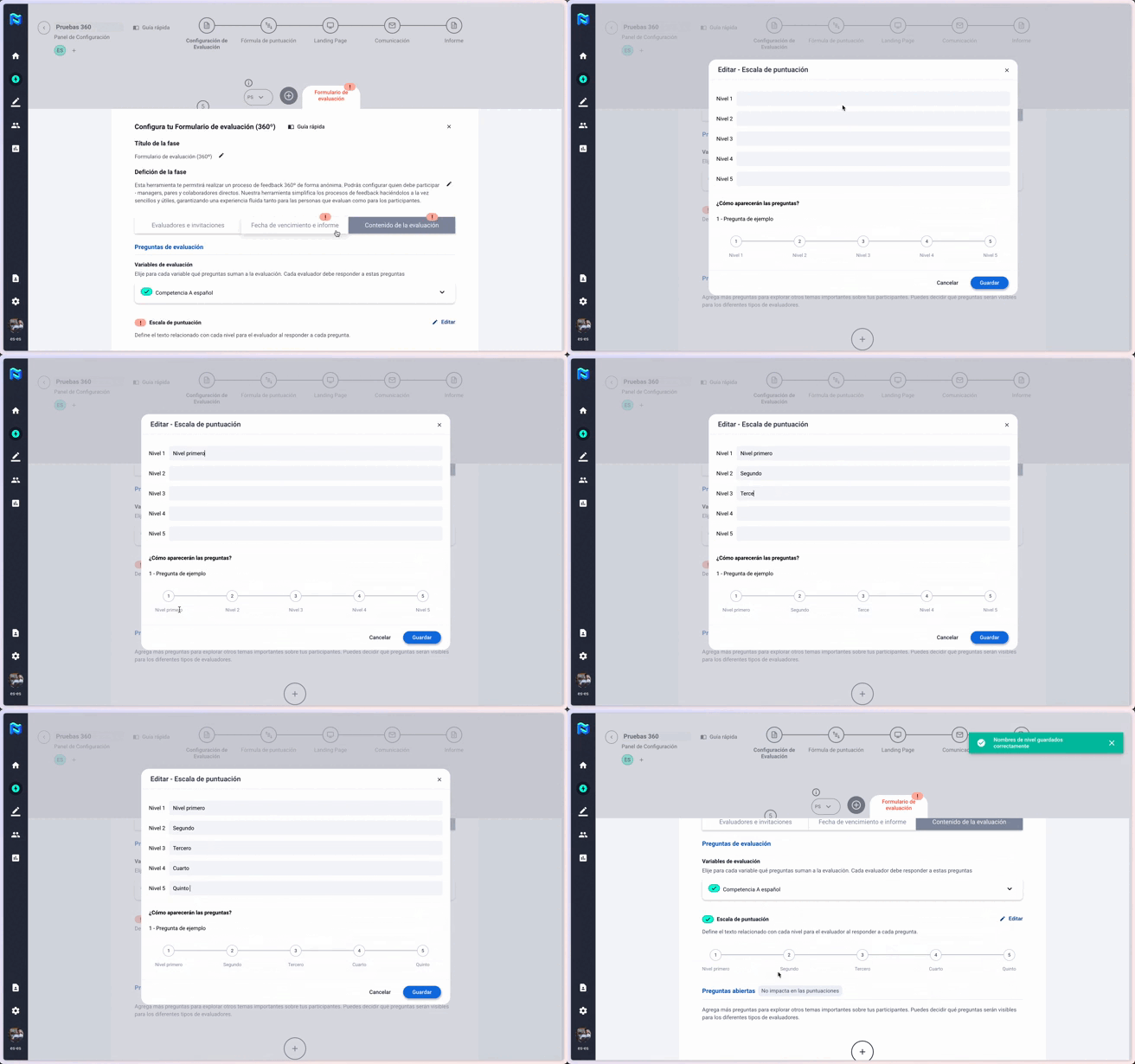
We have changed the editing of levels within the tool set-up. This setting allows us to better organise the editing process and will be something you will also see applied in other parts of Panorama. In this way, we aim to reduce the cognitive load on our users and make the experience more intuitive.
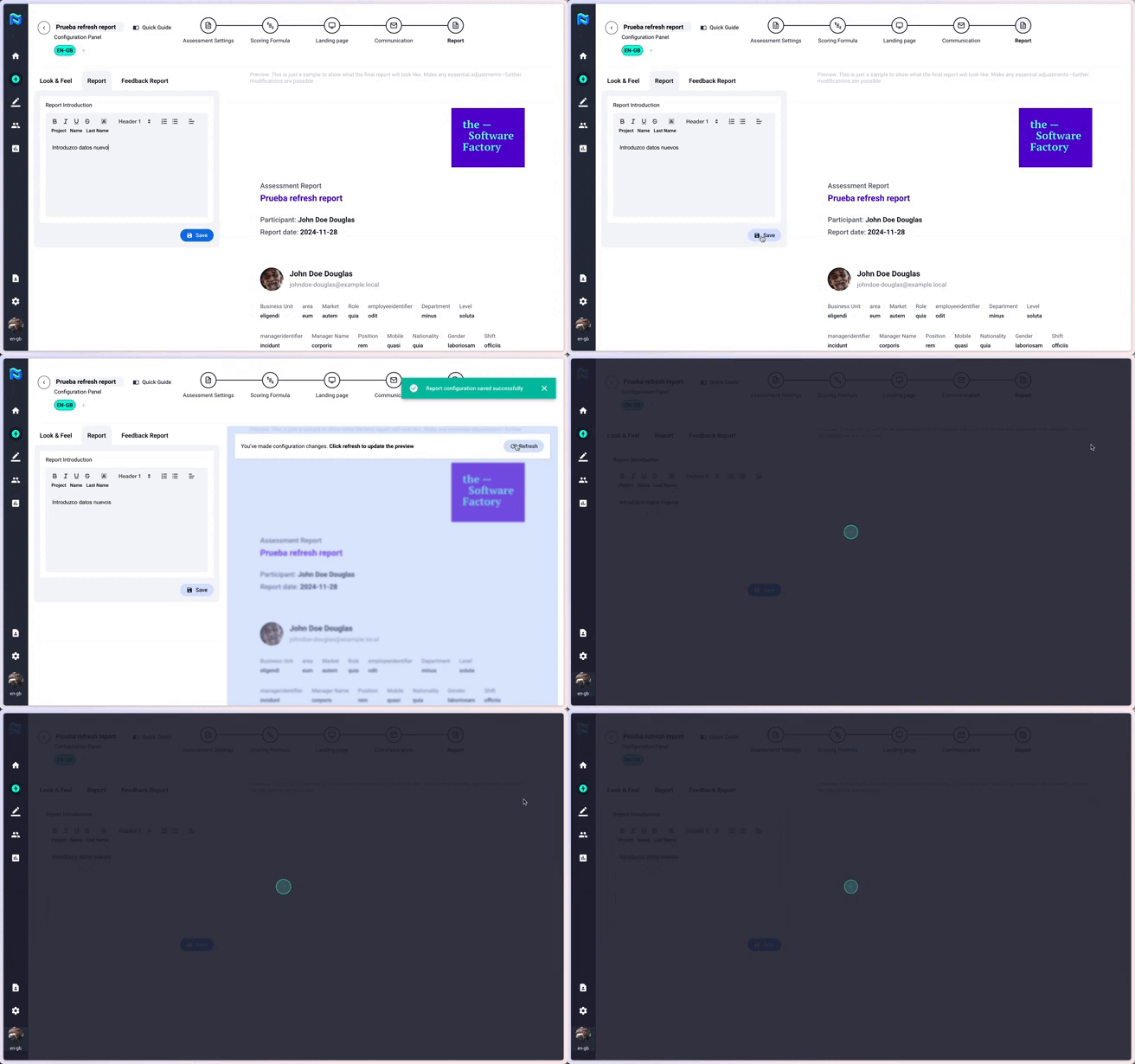
Botón “reload” en set up de proyecto (report)
Now, every time a change is made to a report configuration, a small banner will appear warning that the display needs to be updated. This helps us to reduce the load on the report during configuration and be more efficient.
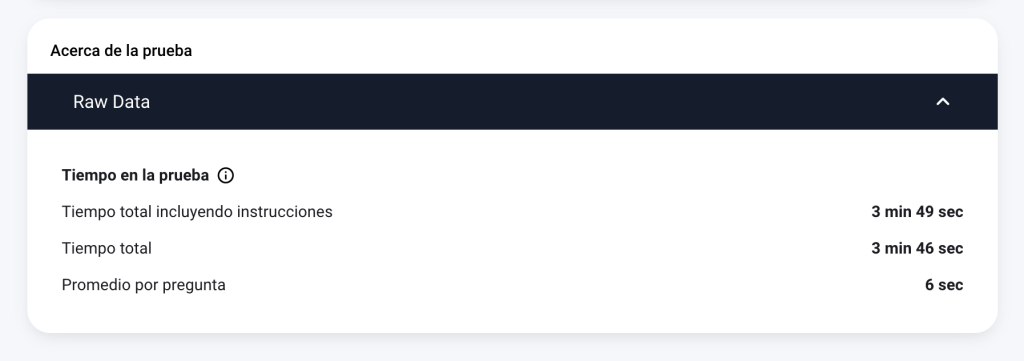
Times representation in Panorama
We have been working on representing within the platform time variables for the results of tests taken with Digital Quiz. We will collect and display three different times: total time from when you start reading the instructions until you finish, total time of the questions (without instructions) and average time per question.