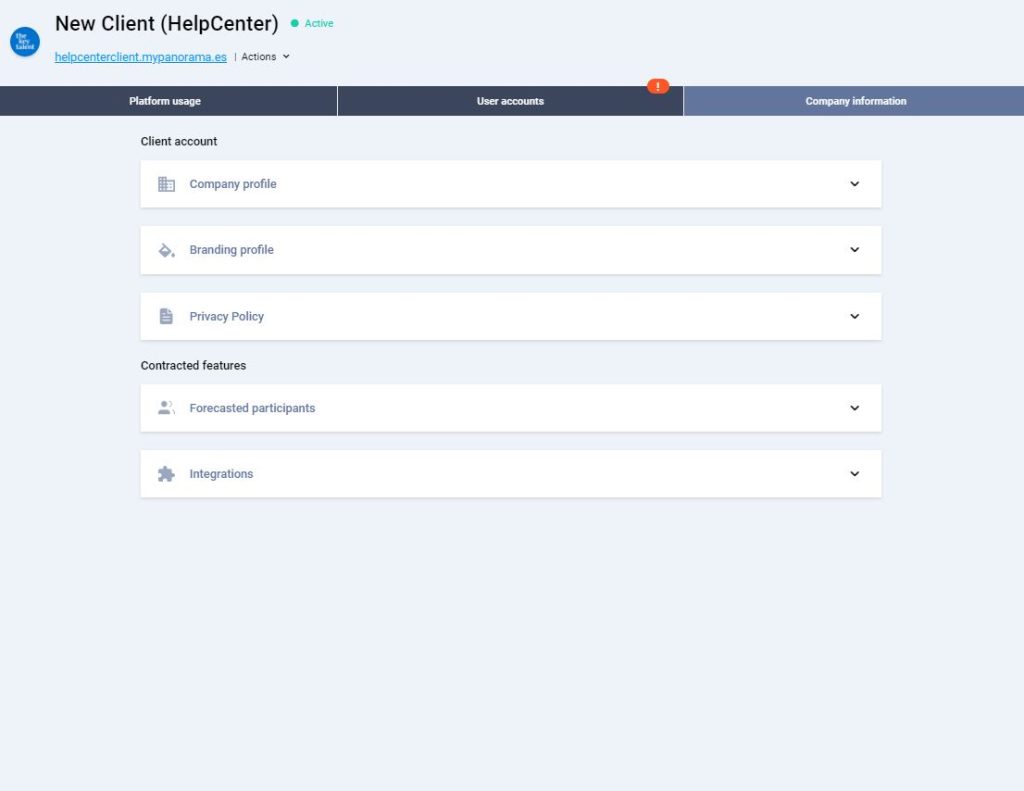
Once you have created your client account, continue with the setup by completing the missing information. You can be guided by the orange exclamation marks to find the missing information.
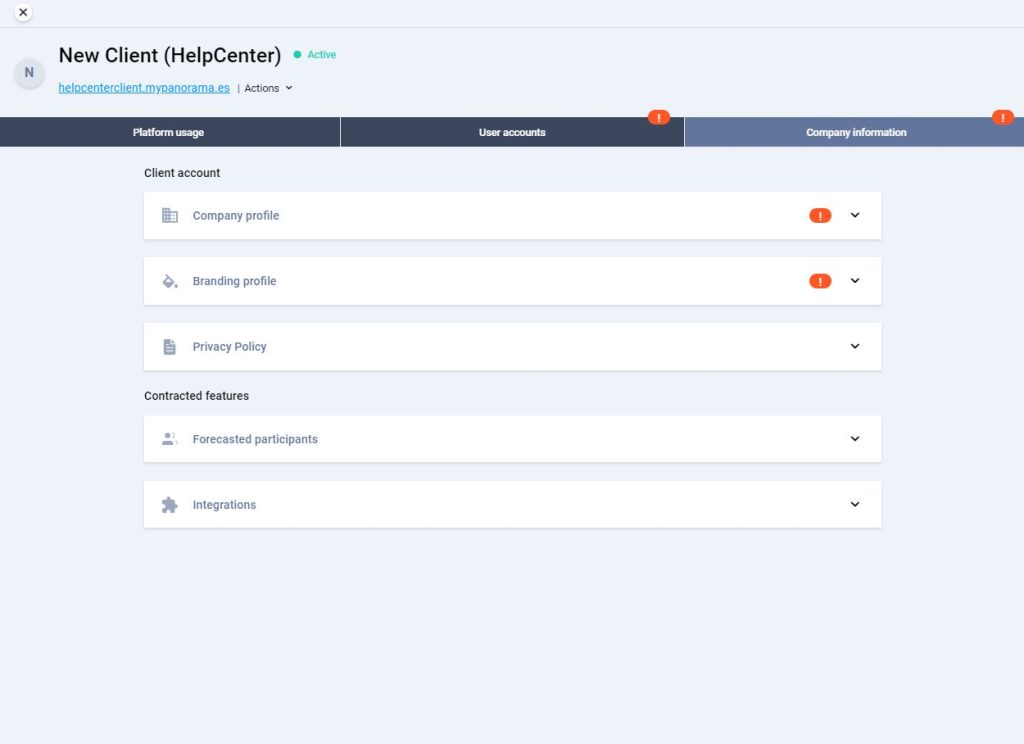
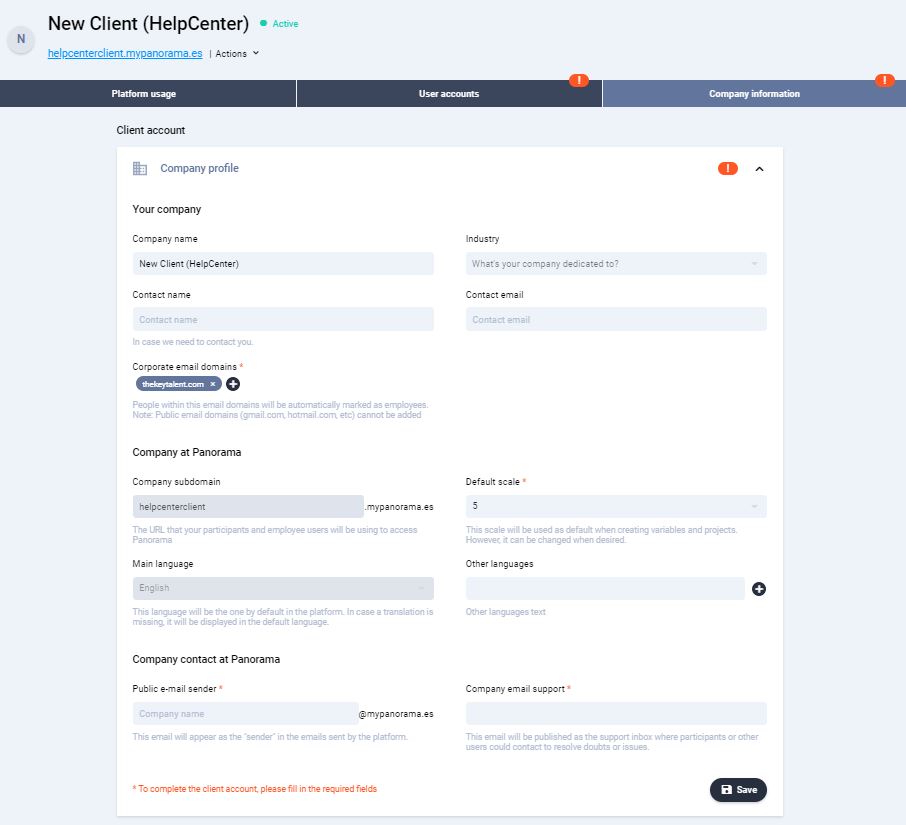
First, access the “Company Information” tab and fill in the missing information about the company profile.
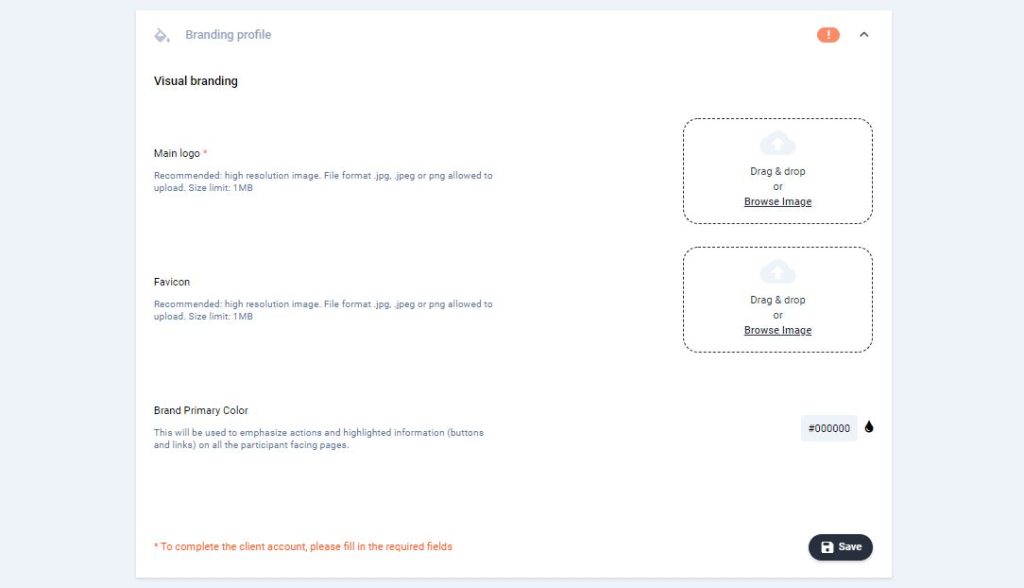
Then, go to “Branding Profile” and add the company logo. If you wish, you can also add the favicon and the company’s primary colours, this will be used to emphasize actions and highlight information on all the participants facing pages.
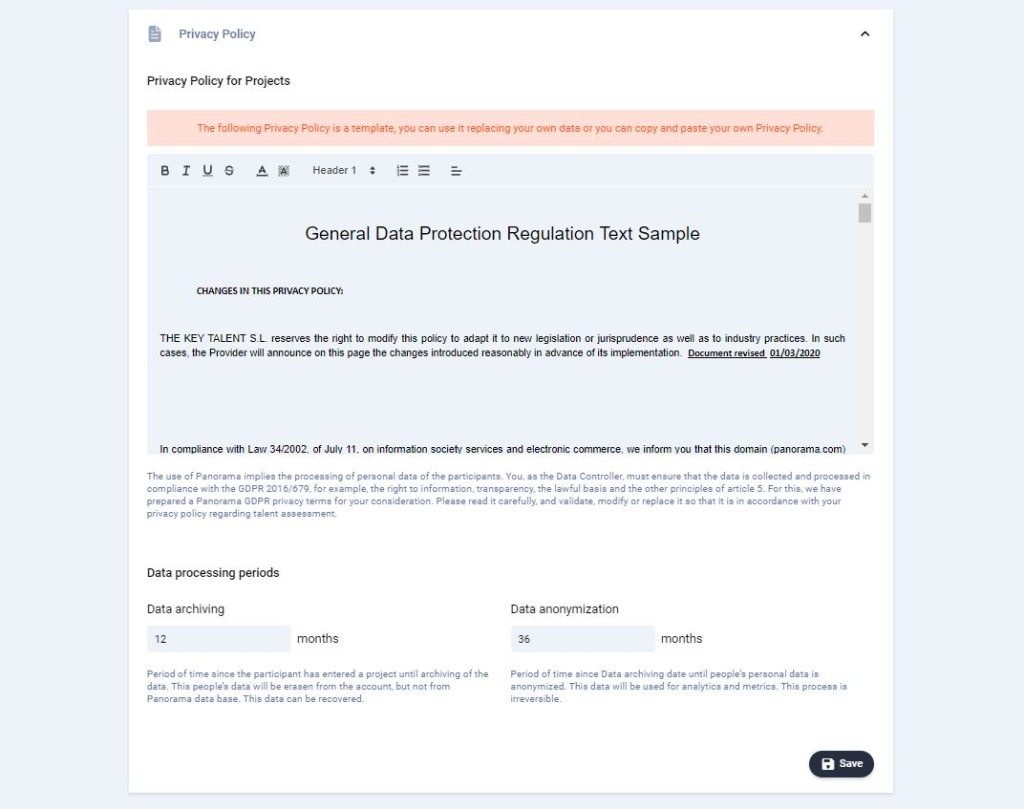
Then, add the company’s privacy policy. You can use the template provided by Panorama by simply adding the company data.
Regarding the data processing periods, you can modify them if you wish. Below is a brief explanation of each of them:
Data archiving: Period of time since the participant has entered a project until archiving of the data. These people’s data will be erased from the account, but not from the Panorama database. This data can be recovered.
Data anonymization: Period of time since Data archiving date until people’s personal data is anonymized. This data will be used for analytics and metrics. This process is irreversible. To know more about “periods of data processing in accordance with the GDPR, please see the corresponding article through this PERIODS OF DATA PROCESSING IN ACCORDANCE WITH THE GDPR.
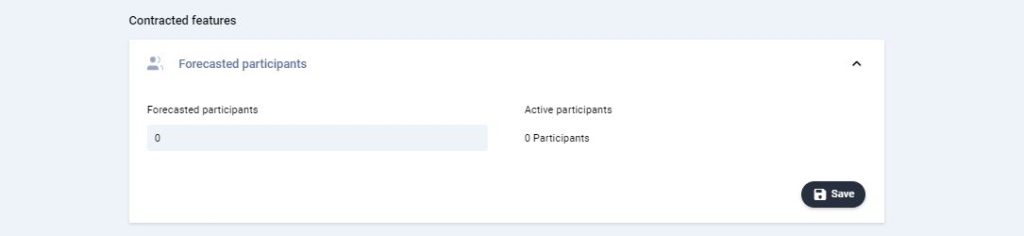
Also, you can then add the forecasted participants and keep track of the people active on the platform.
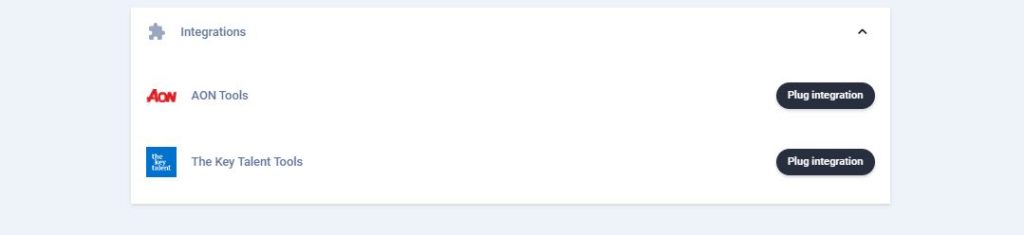
Finally, in order to have the assessment tools available in your client account, you will need to enter an activation code that you will need to request from the operations and support team. For more information, see the article “Integrating tool vendors”.
Once you have completed all the information required in this section, you will see the orange exclamation marks disappear. Please continue with the configuration in the “User Accounts” tab. See the related article for more information.