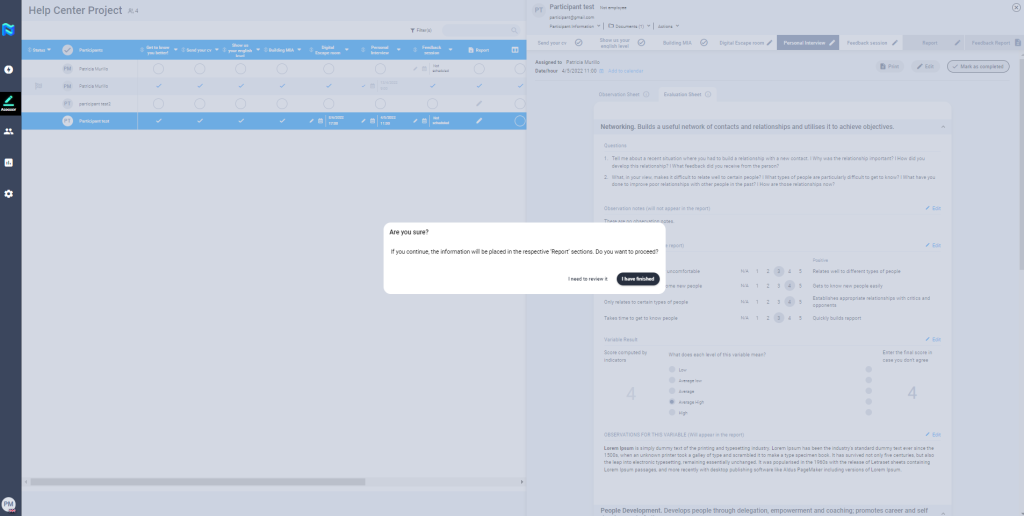
To complete an observation guide you must have been assigned as an assessor to a participant in a phase with this tool.
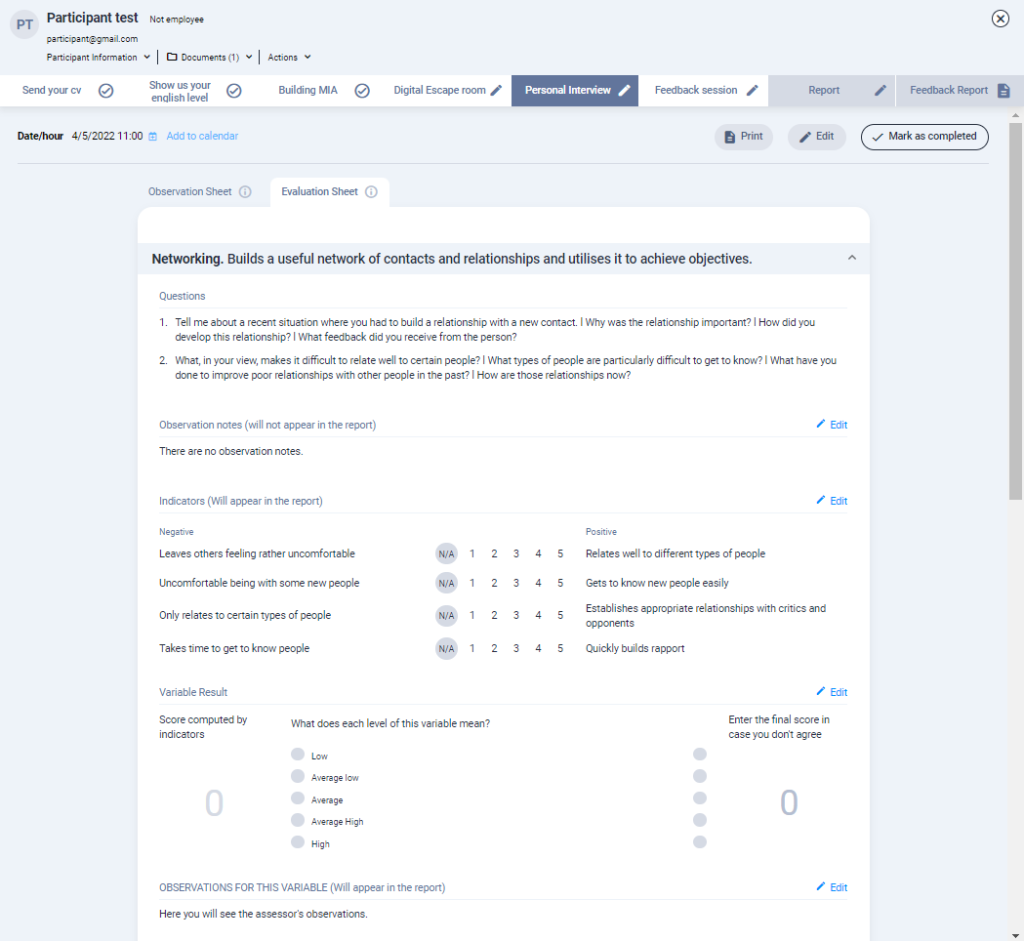
Within the observation guide you have 2 tabs:
- Observation sheet: It should be used while talking to or observing the participant during the meeting. It includes competency definitions and related questions and offers a space to take notes in.
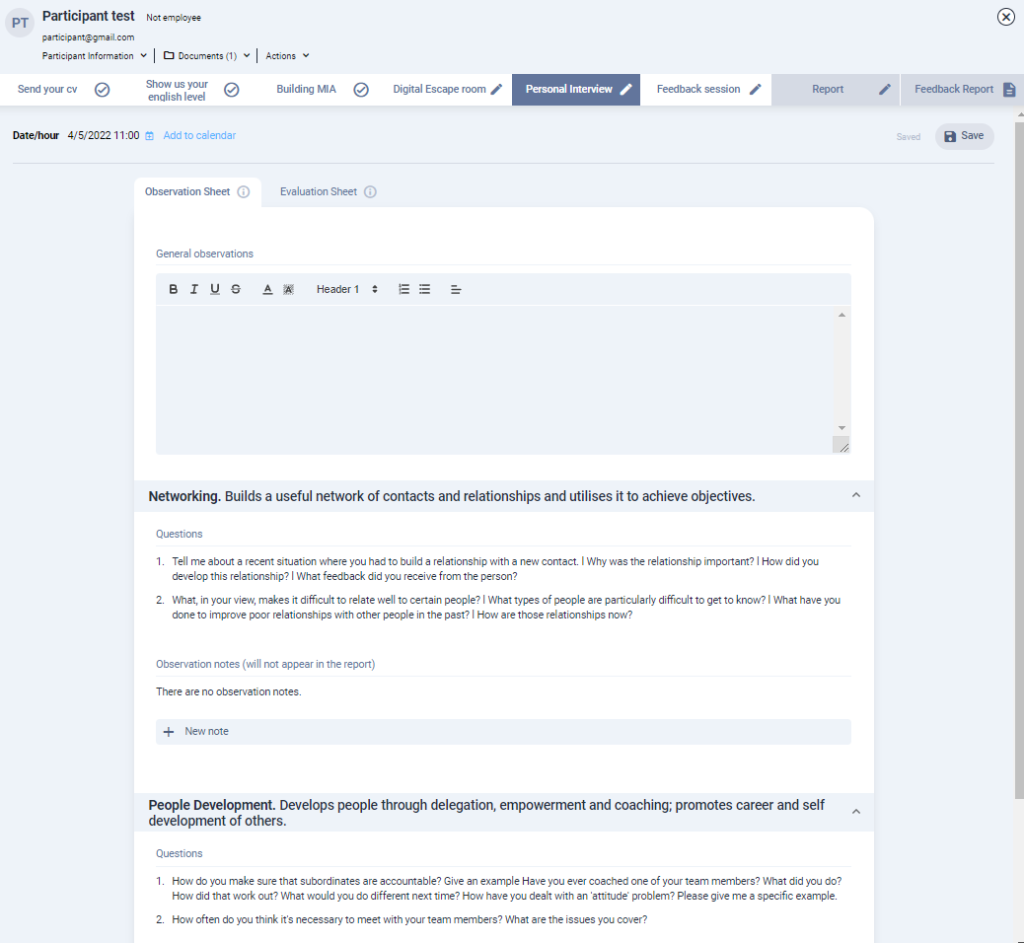
- Evaluation sheet: It is used to rate a participant AFTER observing them. It includes level descriptions for each competency and may also have positive and negative indicators.
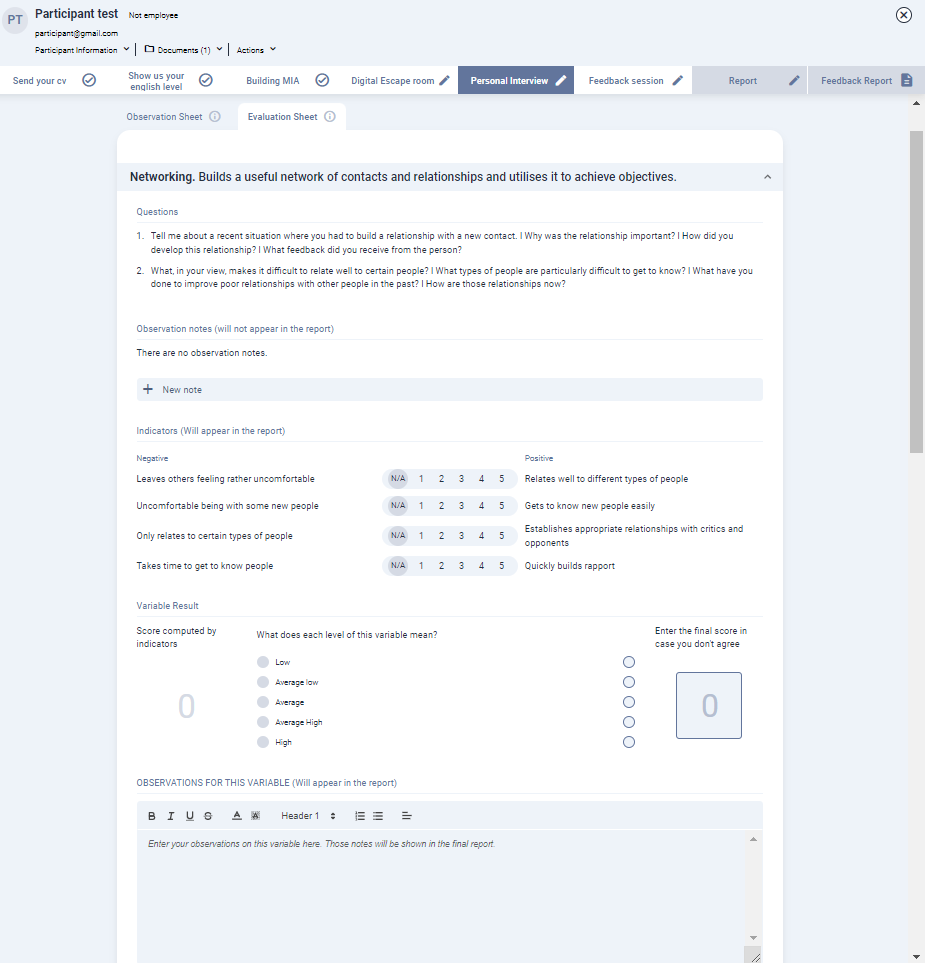
To start rating, click on the “edit” button at the top right of the screen.
You don’t have to worry about saving every change you make as the platform has an auto-save system. However, there is a “save” button that you can also use.
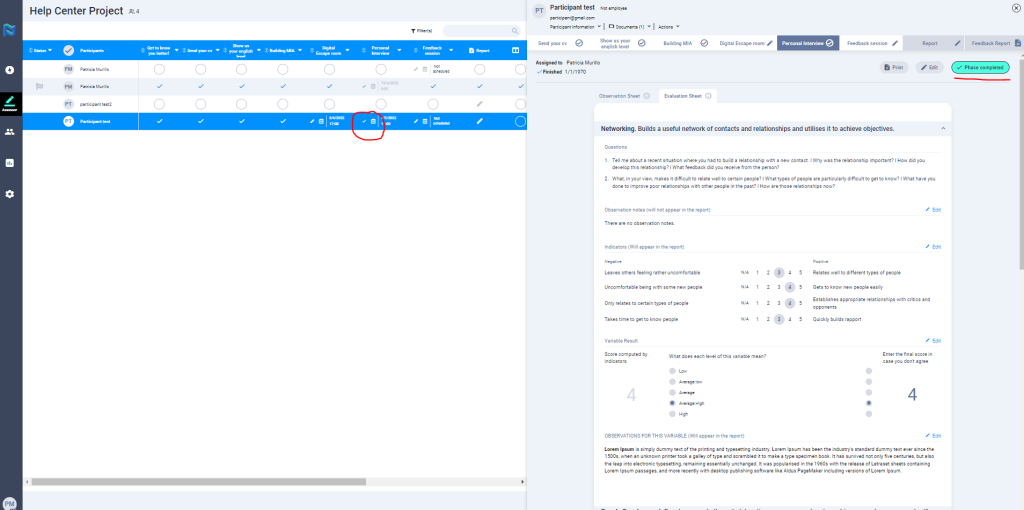
Once you have finished your assessment, you can mark the observation guide as completed. This way, the system will mark the participant phase as completed and the information will be placed in the respective Report sections. Even if you mark it as completed, you can still edit the evaluation if you wish.