
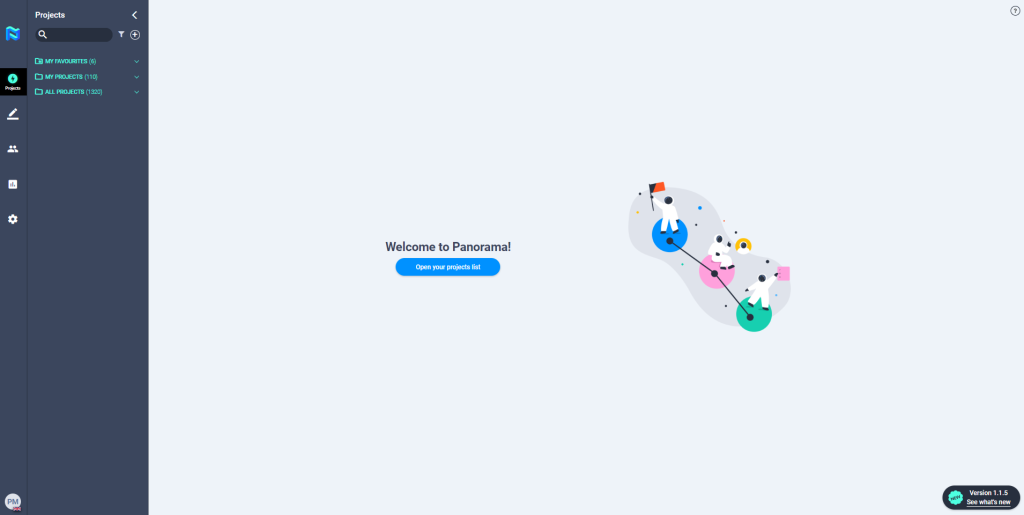
You will find 3 folders in the sidebar where the projects created will be classified.
- My favourites: Here, the projects you mark as favourites will be classified. Remember, to mark a project as a favourite, go to “Project actions” inside the project.
- My projects: In this folder, projects created by you as HRM or PM will be classified.
- All projects: This folder contains all the projects that have been created in that client account.
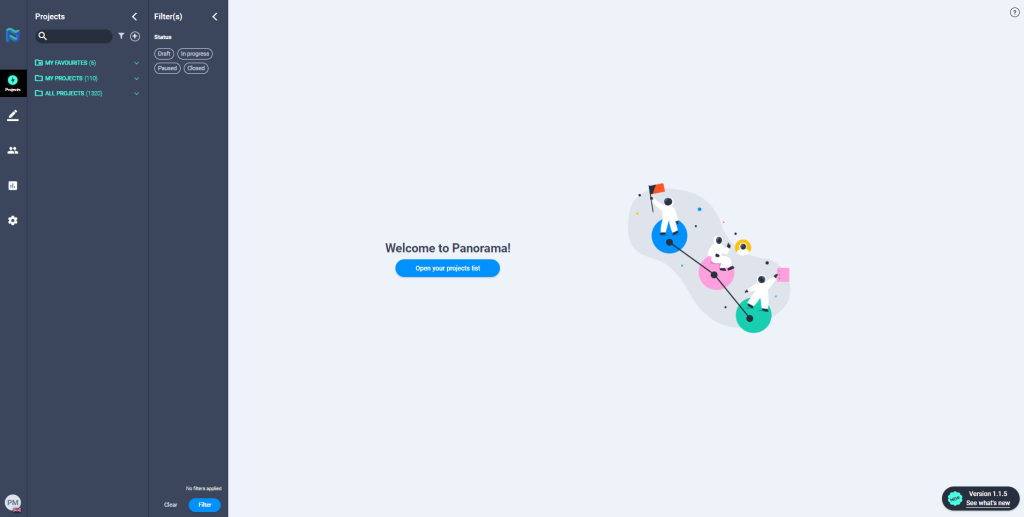
At the top of the sidebar, you will find a search engine that will allow you to quickly find the project you want by name.
In addition, you can apply project status filters which can make it easier for you to search for a certain project.
To start creating a project, click on the “+” button to the right of the filter icon.

