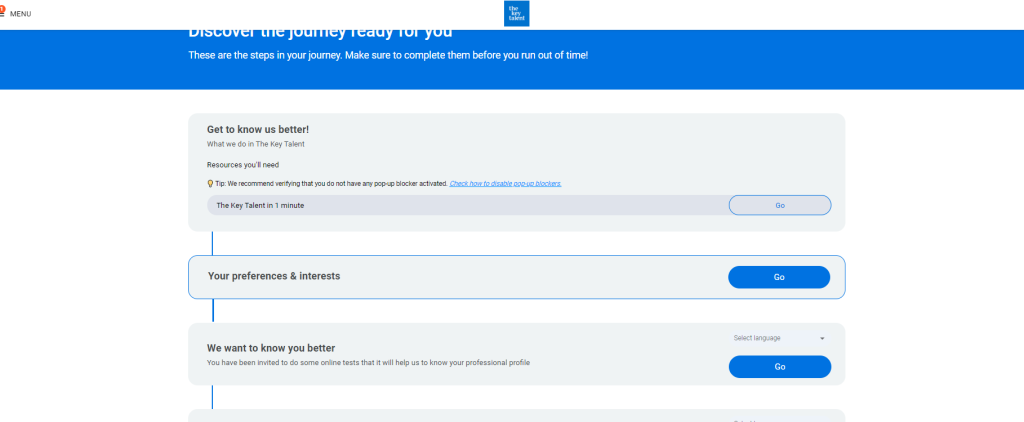
This tool is part of the general tools you will find in the Panorama market.
Do you need to communicate with your participants? Use an announcement to get their attention.
You can add as much as you want to your project journey.
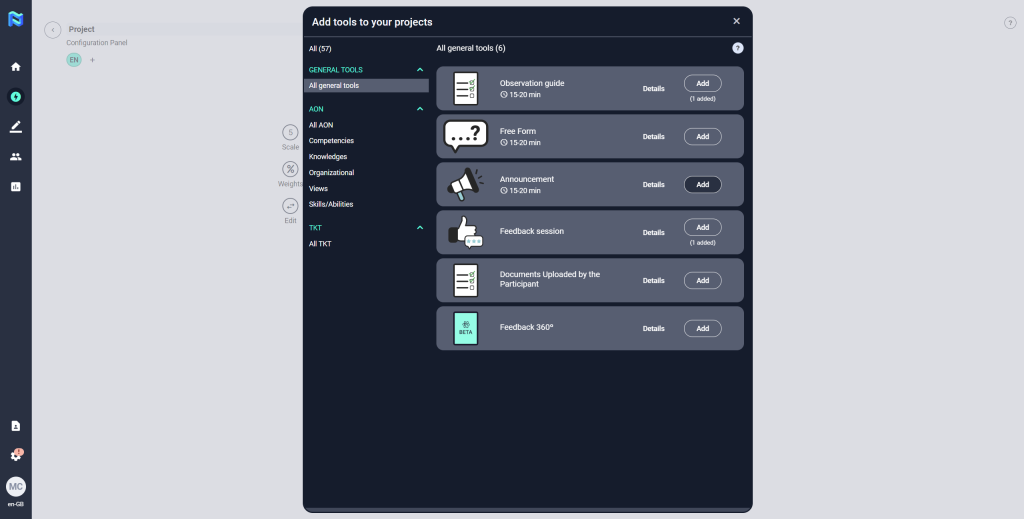
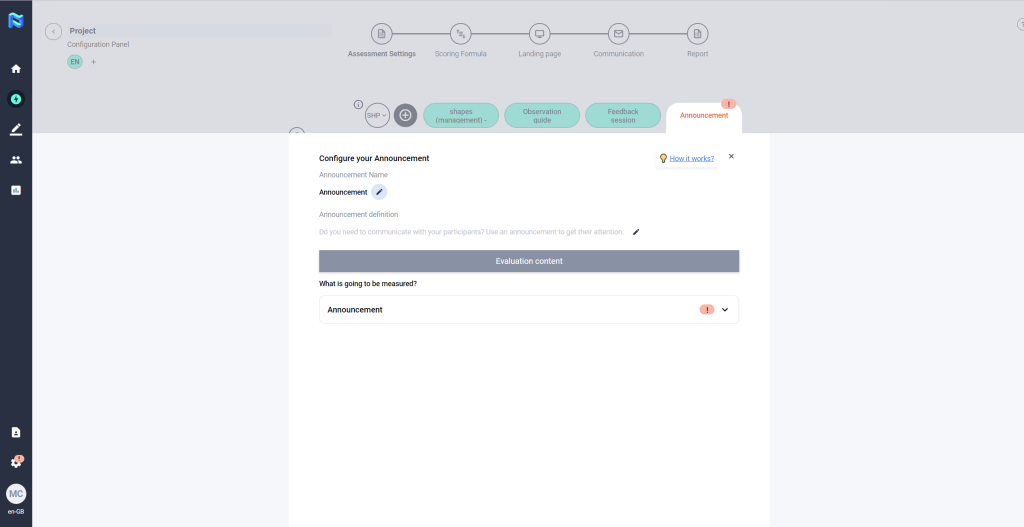
To set it up, follow the steps below:
- Define the name of the announcement
- Add a description that allows the participant to better understand what kind of message he/she will find.
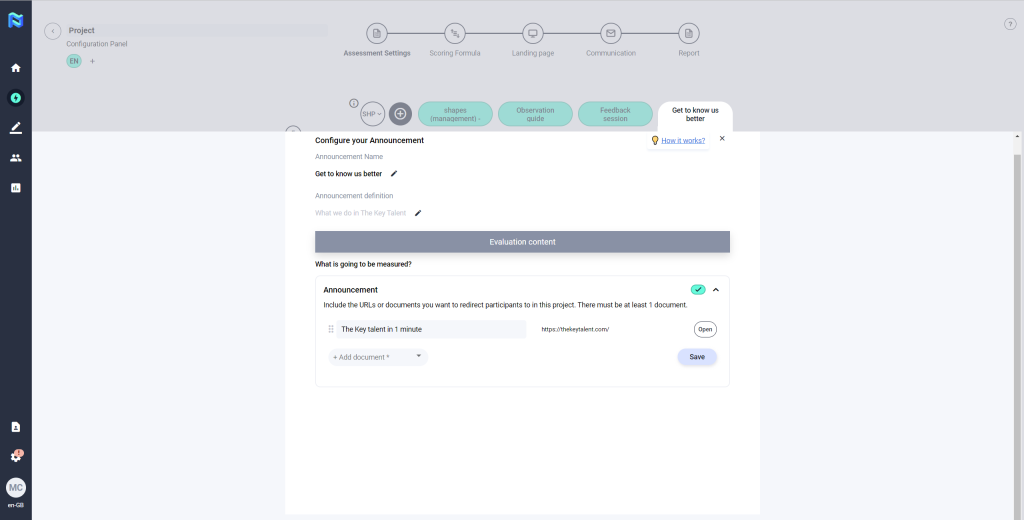
- Include the URLs or documents you want to redirect participants to in this project. There must be at least 1 document.
Once you have defined the questions, click on save to finish configuring the tool.
This is how the participant will see it when they log in from their landing page.