
When you access the assessor area, in the sidebar you will find the list of projects in which you have a participant assigned to be assessed. To access a specific project, click on the project name. Also, in the right of each project name, you will see the number of participants you have assigned.
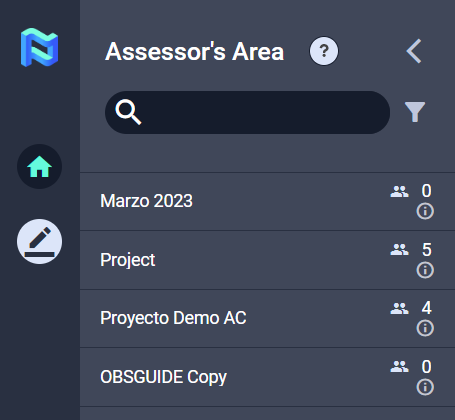
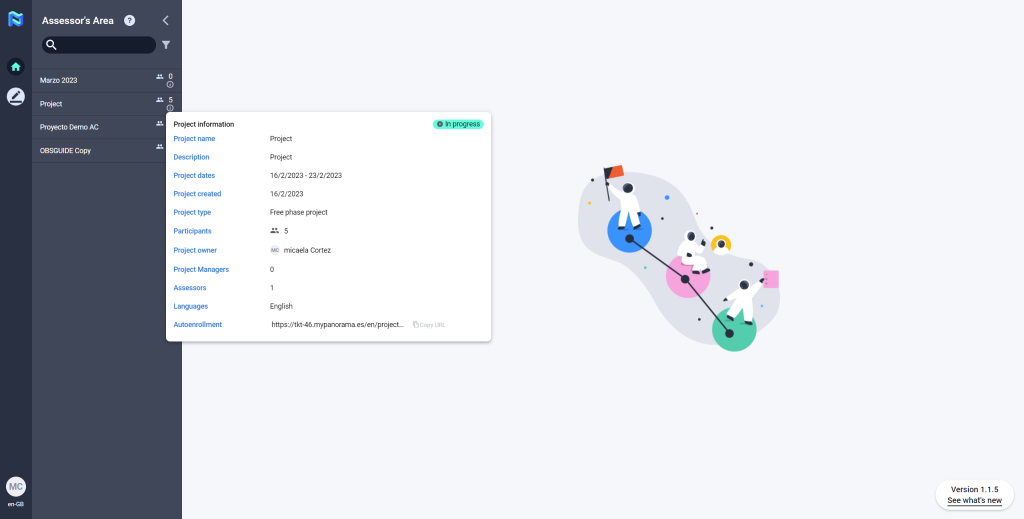
And if you click on the “i”, you will find some more information about the project.
At the top of the sidebar, you have a search engine and filters that will allow you to find a specific project more easily.