
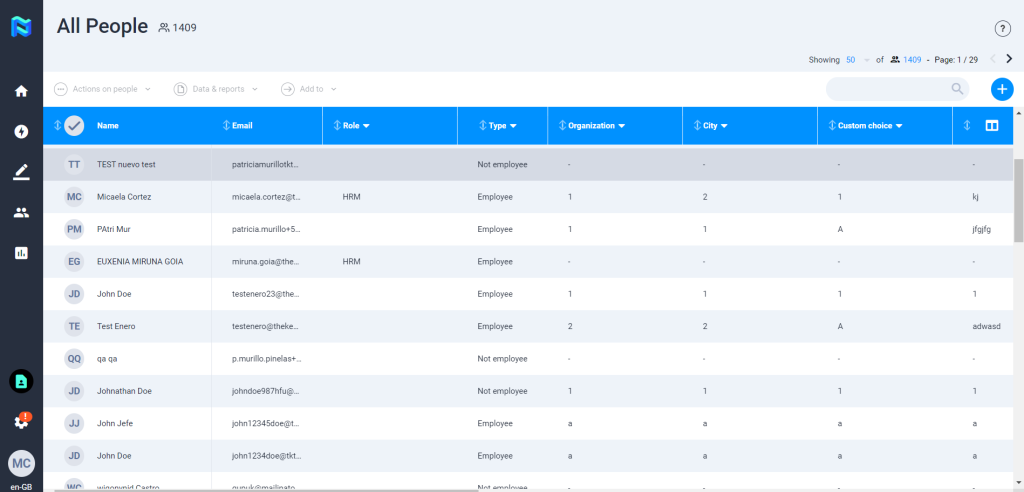
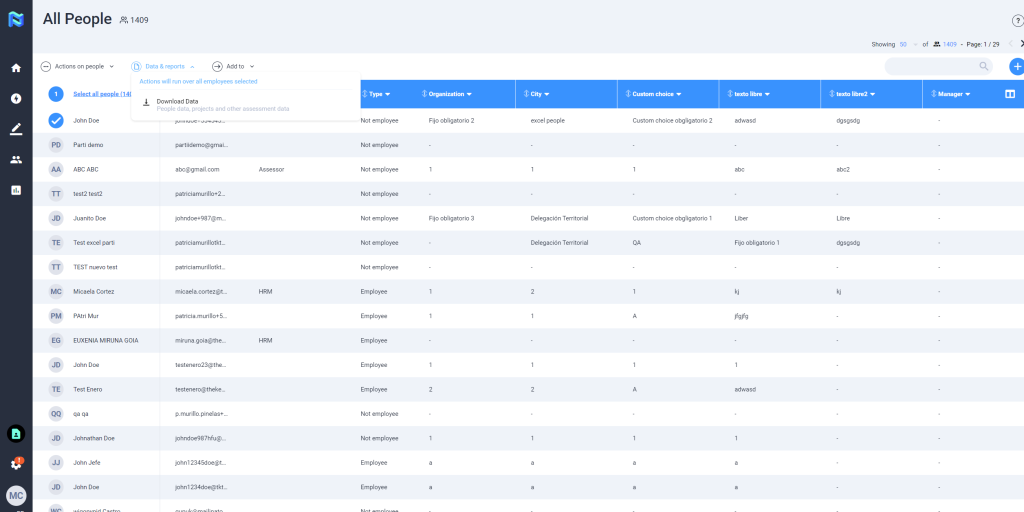
If you click on the Directory icon, you will be able to see a table with all the people in the platform, including employees and not employees.

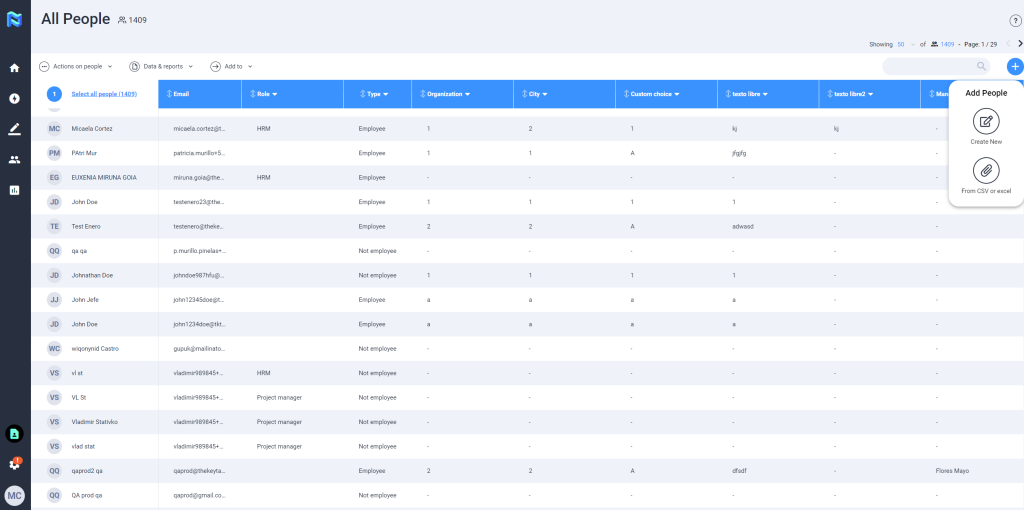
There are two ways for adding people to the directory. First, you have to click on “+”, and then you have to select if you want to create a new person or to upload a CSV / excel.
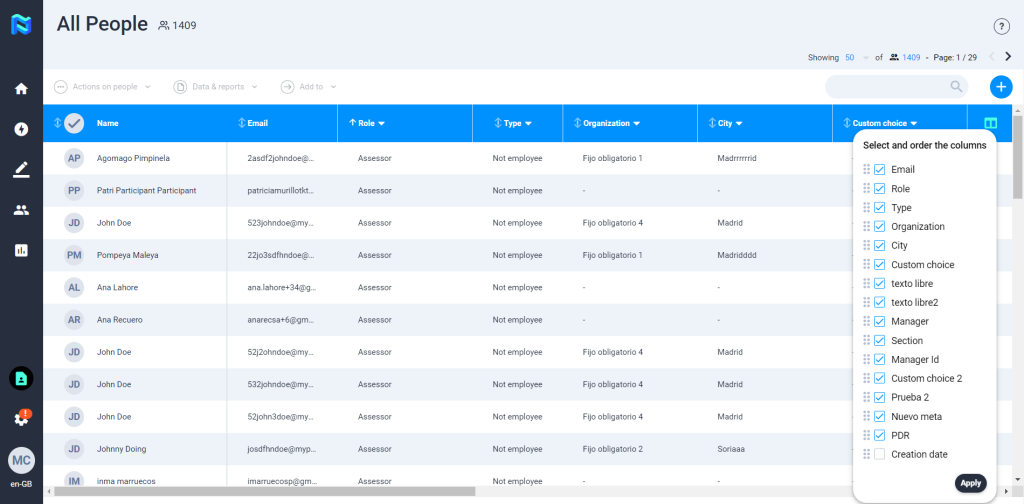
Also, you are allowed to select and order columns by your priorities and needs of information.
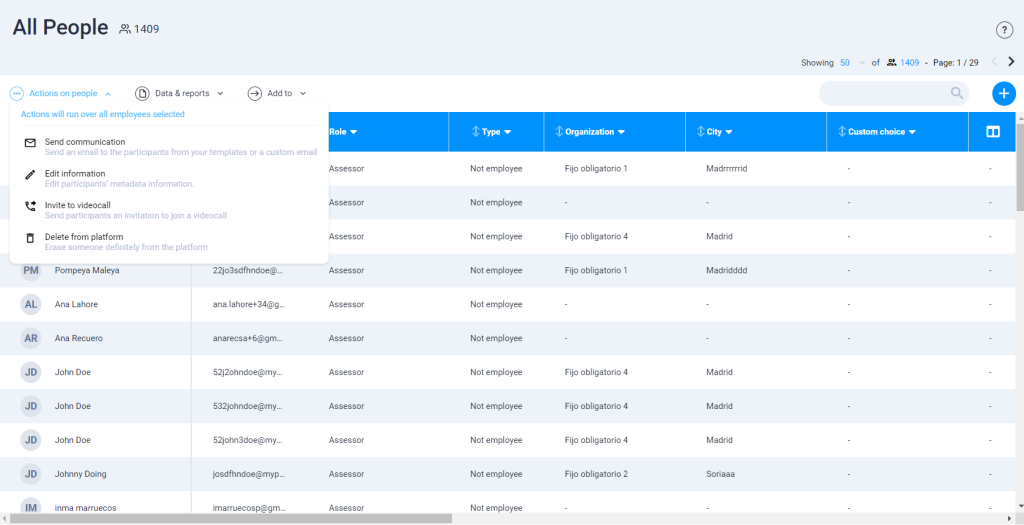
You can manage people by selecting a person, and clicking on “Actions on people”. That way you can send a communication, edit information, invite to videocall and delete from the platform.
You can download data and reports of the people in the directory by selecting a name and then clicking on Data & Reports -> Download Data.
From the directory, you can also add people to an existing project or group. For that you have to click on “Add to” select the option you want (add to project or add to group) and then select the people you want to add.


