
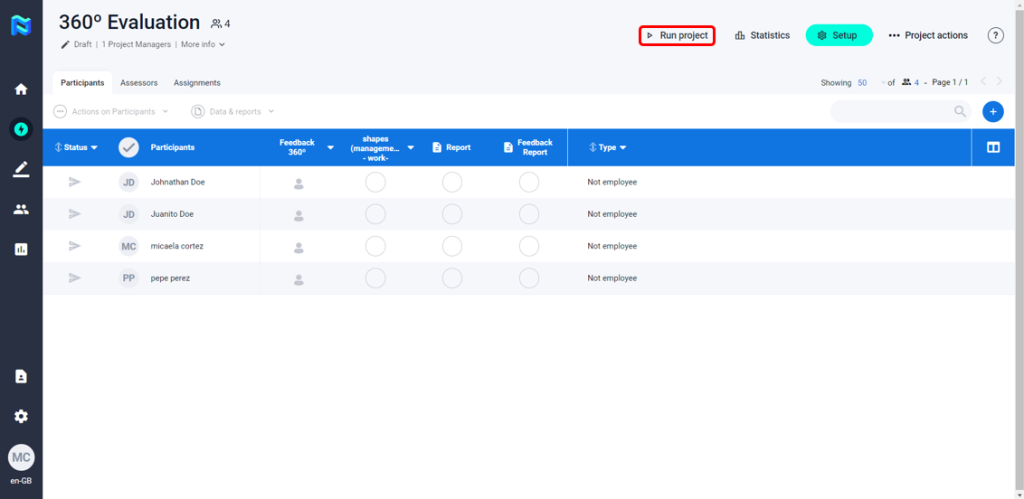
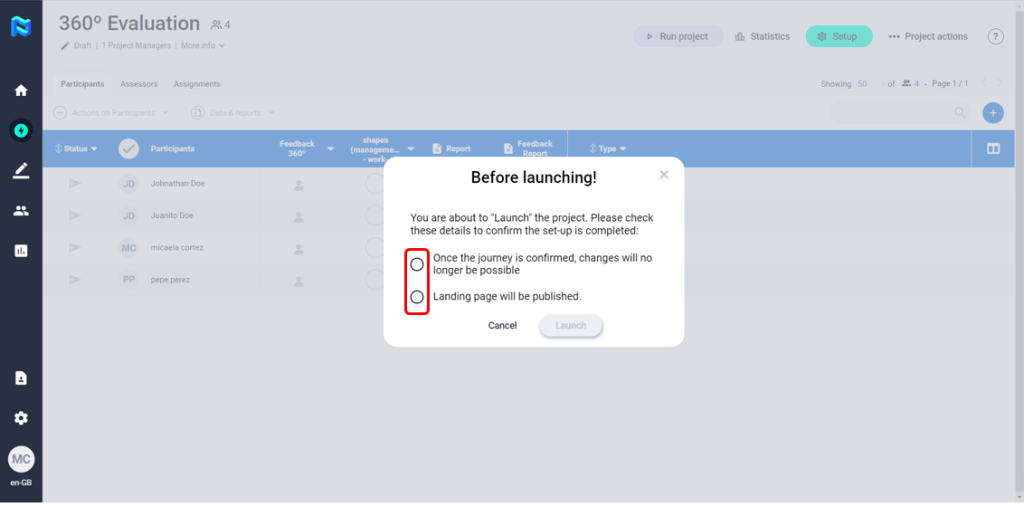
Once we have set up the Project and added the participants and assessors, you can launch the Project. To do so, all you have to do is to press the “Run project” button and check the suggested points. At this point the Project will be shown as “in progress” and no further changes can be made to the basic configuration (you can still add participants and assessors and make assignments).
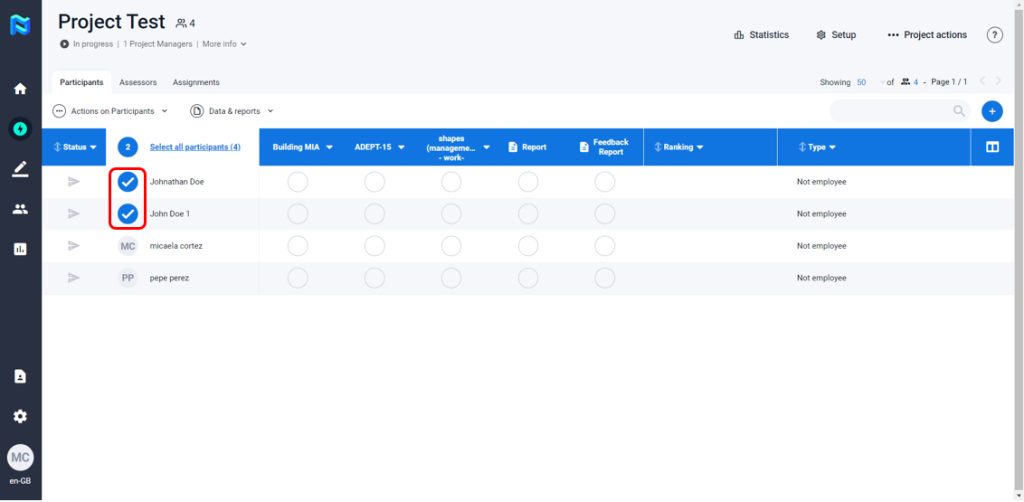
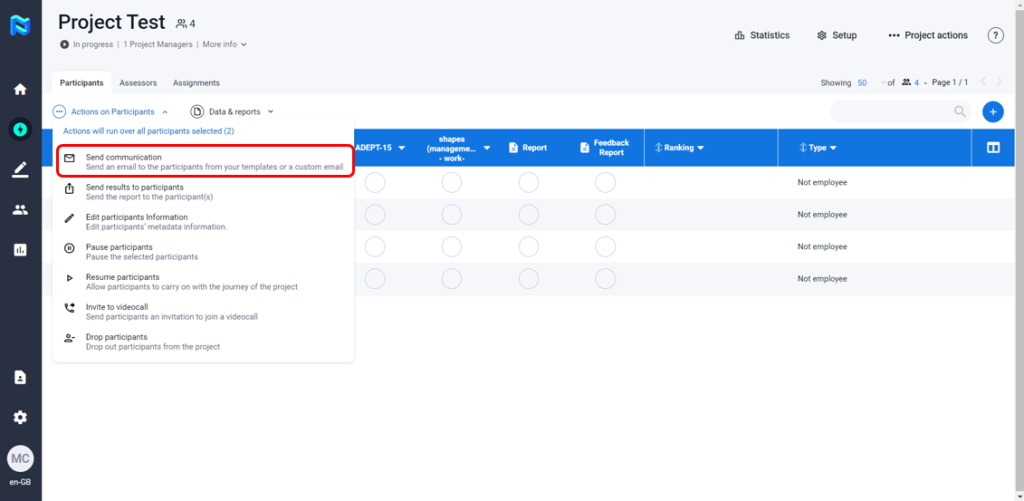
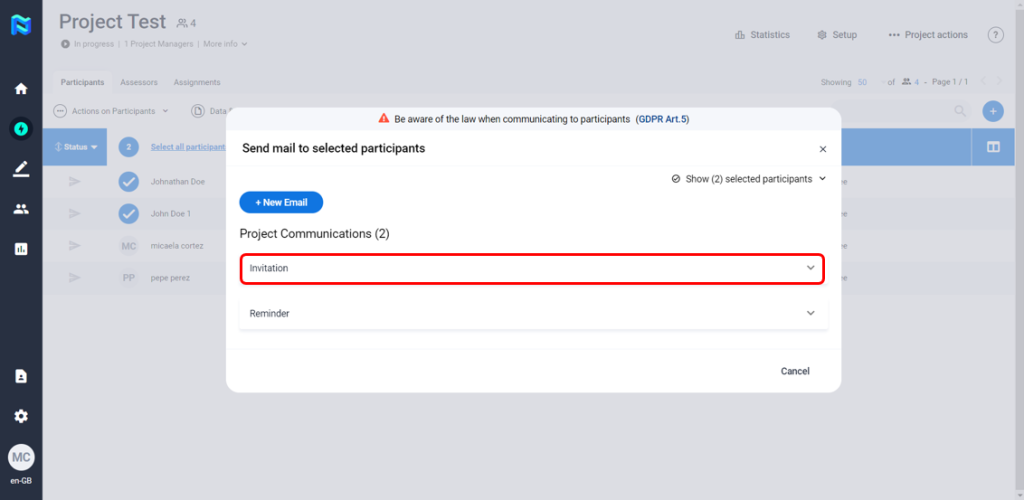
For the project to start, you must send the invitations to the participants manually (if we have not previously left the self-invitation tick active in the communications). To do this, we select the participants we want to invite to the project at this time, press the “Actions” button, select the “Send Communication” option, select the “Invitation” option and click on the “Send” button, at this time the selected participants will receive an e-mail with access to their “landing page”.
Once the invitations are launched, the icon representing “Pending invitation” located on the left side of each participant will disappear.

