Client Admin
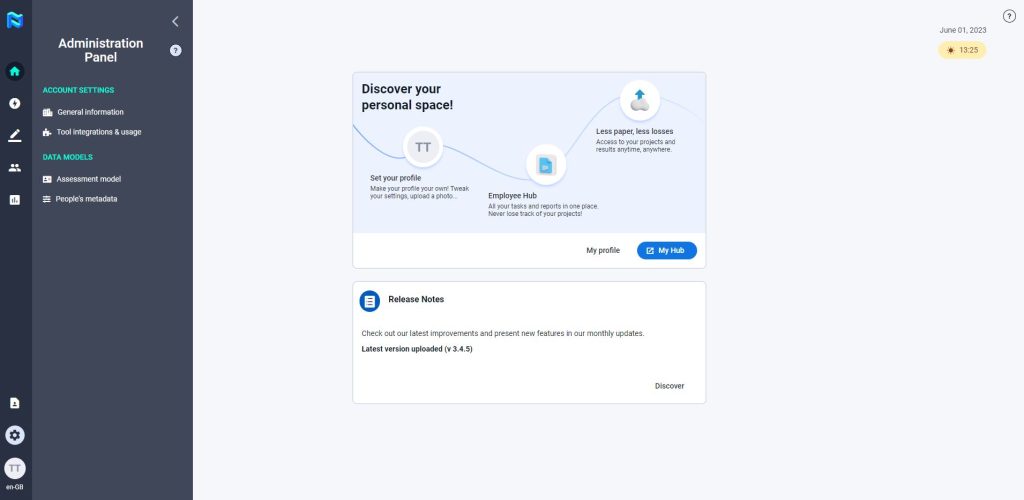
This user will have full access to all Projects, Directory, Groups, Analytics, and Administration Panel from where you can access the Account Settings and Data Models.
This account usually is from the client, and we recommend using a generic corporate account rather than an individual account. Client Admins cannot have multiple roles within Panorama. For example, if you set up the account with the email ‘abc@mypanorama.com’ then you cannot use this same email to set up an account as an HRM, PM, Assessor or Participant.
They will be able to configure the mobility options and preferences of the participants that will appear in the HUB, create or modify evaluation variables and their relationships with the evaluation tools, as well as create the coordinates that will appear as metadata for each of the participants in the platform.
The Client Admin will also be able to visualize the consumption of tests made by the participants of the third-party tools integrated with Panorama.
Additionally, they will have full access to the Group section where they can organize and manage Groups and Smartgroups.
HR Manager (HRM)
This user will have access to manage users of the company, all projects, People, analytics and the Administration Panel.
The HRM will be able to create or modify evaluation variables and their relationships with evaluation tools. Additionally, they will have access to add and modify people’s metadata within the Administration Panel.
HRMs will also have full access to the People section where they can organize and manage Groups and Smart Groups.
Project Manager (PM)
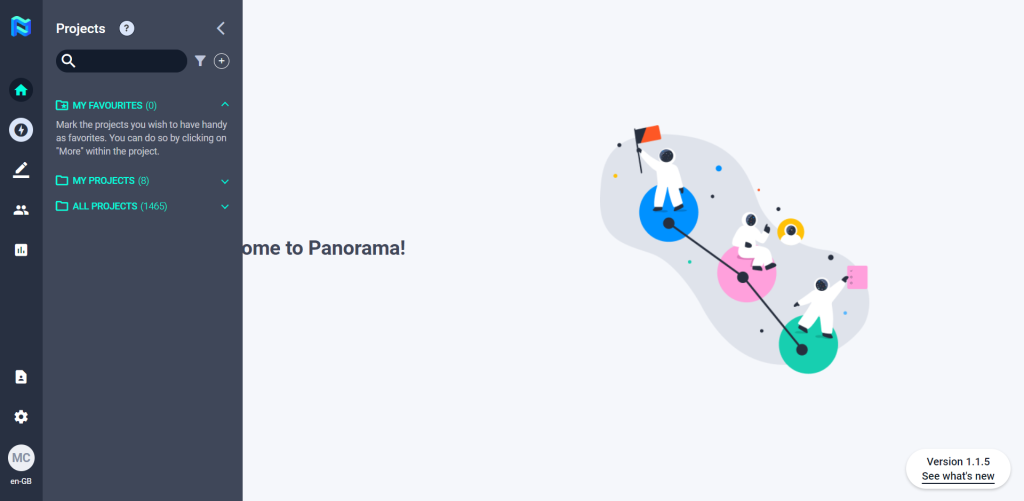
This user will have access to create and manage projects with some limitations:
- Will only have access to projects they created or the projects they have been invited to by other Project Managers.
- Can add up to 1000 participants CSV. They also have the option of adding participants one by one or from the directory.
- Have access to the Analytics module.
PMs will not be able to create or modify evaluation variables and their relationships with the evaluation tools. They will also not have access to the People module.
Assessor
Assessors will only be able to view and assess the participants or participant test/interviews assigned to him/her, via their assessor sign-in. They can send custom communications and invite video calls to their assigned participants
Participant
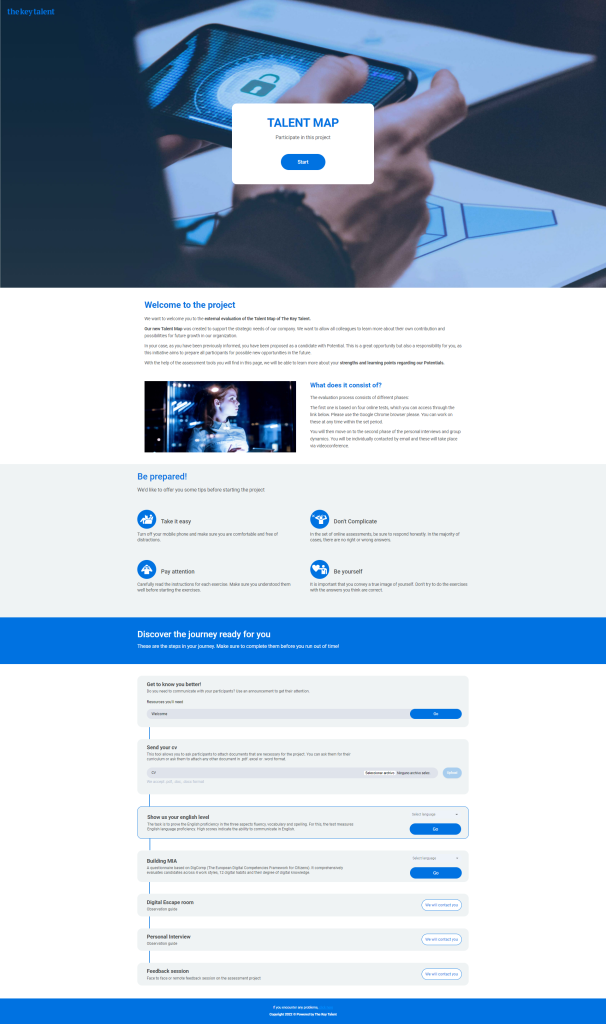
Participants will only have access to the landing page of their Panorama journey.